
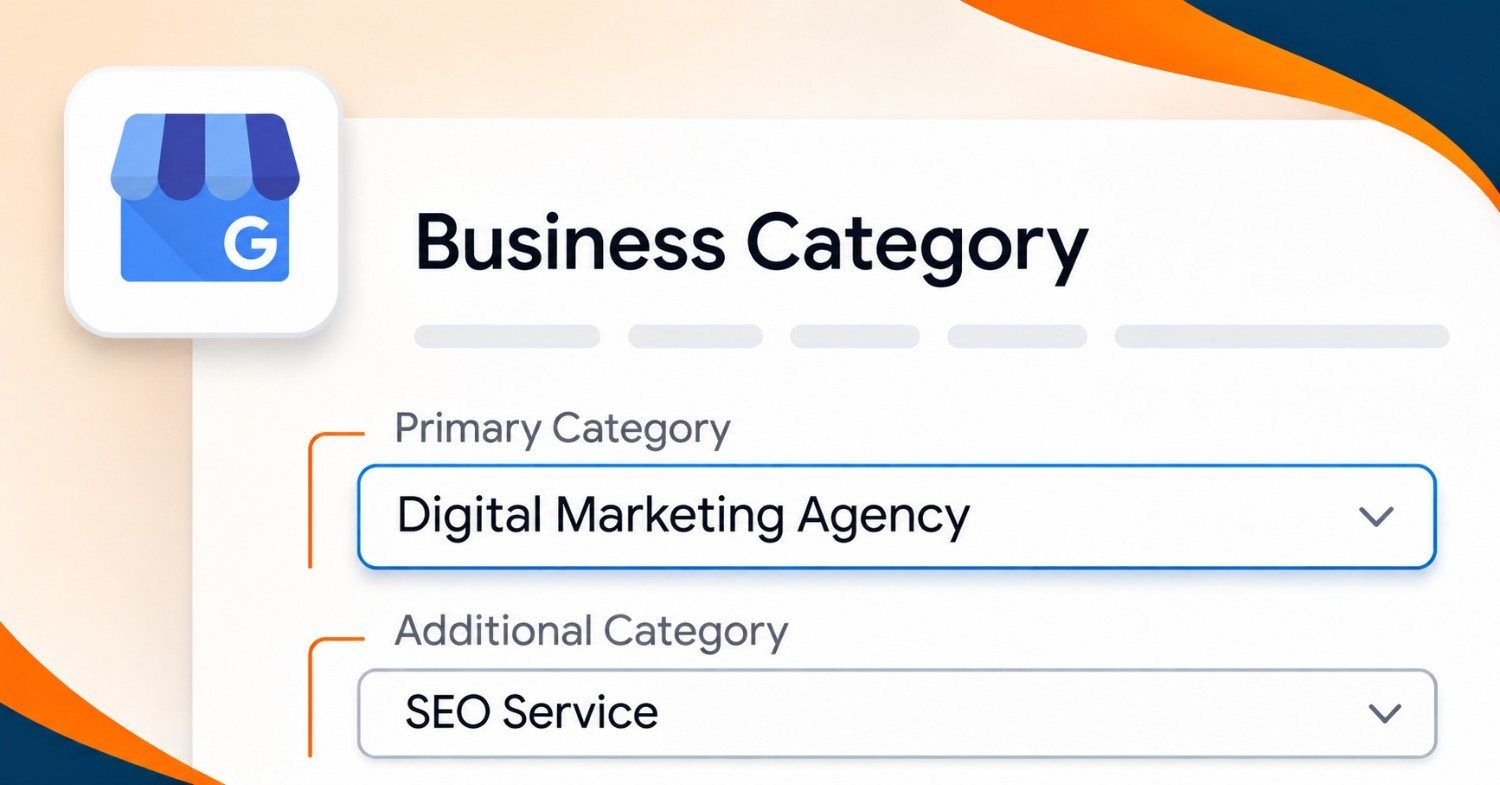
Choosing Google Business Profile categories comes down to one rule. Make your primary category the most specific option that describes your main business, then add secondary categories only for services you really offer. Google states that the categories you select affect your local ranking, so this small setting carries more weight than its size suggests. What counts as "most specific" depends on the search you most want to win, and that is where most of the decision sits.
What the primary category does that nothing else does
Google's help page says your primary category should be the one that best describes your business, and it gives a plain example: pick "Nail salon" over "Salon".
Whitespark goes further and calls the primary category the number one local ranking factor. Its 2026 Local Search Ranking Factors survey puts it first. Locafy adds that the primary category also decides which attributes and category-specific features your profile can show.
Take the ranking claim with some care. A survey reflects what practitioners judge to matter, and Google doesn't publish how much each signal weighs. BrightLocal and Locafy both rank the primary category above everything else, but neither gives a measured effect size. So read it as "important and cheap to fix", not "a guaranteed jump".
Specific wins because it matches how people search. Whitespark says a law firm should pick something like "injury lawyer" or "divorce attorney" rather than "law firm". An India-focused audit checklist from Vizup makes the same point with "Women's Clothing Store" over "Clothing Store". A dental clinic in that checklist adds "Cosmetic Dentist" and "Emergency Dental Service" as secondaries to catch narrower searches.
Write down the one search you most want to win. The category closest to that search is your primary.
When you do several things, pick the work you want more of
This is where GBP category selection gets awkward. A business that sells three kinds of service can't put all three in the primary slot, and the obvious choice is usually the work you do most often. BrightLocal flags that as a trap for broad-focus businesses: the better question is which work you want to attract more of, because the primary category tells Google what to show you for.
A clinic that gets most of its footfall from general checkups but makes its margin on one specialist treatment faces exactly this. Neither answer is free. The specialist primary may bring fewer enquiries at first, but they're the ones you want. The general primary brings volume, and the specialist work goes into a secondary category with a proper page behind it.
Whichever way you lean, don't leave the secondary list empty. BrightLocal lists that as a common mistake, since the other relevant services then have no way to show up at all.
How many Google Business Profile categories should you add?
The sources don't agree. Google's page gives no number and only says to choose a few additional categories instead of one for every product or service. Whitespark says you can add up to 9. Locafy suggests 3 to 5 for most businesses and advises against going past five. BrightLocal says not to fill all nine.
My view: 2 to 4 secondaries is plenty for most local businesses. Whitespark's own survey ranks additional categories only eighth, far below the primary, so a long list buys you little. Locafy warns that irrelevant secondaries dilute relevance and can draw spam scrutiny.
Give every secondary a test. You should offer that service today, and your website should have a page that talks about it. Locafy makes the same point: each secondary should match a real service with supporting content. If you can't point to the page, you're not ready to add the category.
There is one good reason to add the genuine ones. Whitespark notes that secondary categories decide which services you can list on your profile, so a missing category can mean a missing service.
One more rule from Google applies to owners who run something inside a bigger place. A department that is separately owned and operated should get its own Business Profile, and its categories don't go on yours. Google's example is an independently run cafe inside a health club.
Check what the top five in your area picked
Ordinary users can't see secondary categories, according to BrightLocal, so you need a tool. A Merchynt guide from October 2025 uses the GMB Everywhere Chrome extension, which shows the primary category with a star in Google Maps results.
- Search your main service plus your area in Google Maps, the way a customer would.
- With the extension on, open the top five listings and note each primary category.
- Count which primary category appears most often.
- List the secondaries that show up in two or more listings.
- Compare that list with your own services and drop anything you can't back up.
Treat competitors' choices as evidence, not instructions. If four of the five use a broad category, a specific one that fits you could be your opening.
The check also tells you where the competition is thin. When nobody in the top five has picked the category you were leaning towards, find out why before you rush in: it might be a gap, or it might be a category that Google rarely matches to that search. Run the same search with a nearby area name to see whether the pattern holds.
What if the exact category doesn't exist?
Google doesn't let you create your own. If the specific category isn't on the list, you pick a general one that fits. Locafy puts the list at over 4,000 categories, and it changes over time.
So a niche business may need a broad primary today and a better one later. Whitespark suggests checking for new categories every 6 months. Don't patch the gap with a secondary that is wrong just to describe your niche.
Changing categories later
In your profile, choose Edit profile, then Business category. Enter the new primary, use "Add another category" for extras, and save. Google warns that you might be asked to verify your business again after a category change, which is a good reason not to tinker every week.
Seasonal businesses are the exception. Whitespark's example is an HVAC company that uses "Air conditioning contractor" in summer and "Heating contractor" in winter, and BrightLocal also recommends updating for seasonal shifts. If your demand doesn't swing like that, a review every six months is enough. Locafy says quarterly, which seems too frequent for a setting that can trigger re-verification.
Note the date of any primary category change. A few weeks later, check where you show up in Maps for your main search. Without that note you'll never know whether the change helped, and you'll end up guessing the next time.
Quick answers
Do customers see my categories?
Partly. Google says categories help customers find you and may be used to label your business, but it doesn't describe them as a field shoppers read. Per BrightLocal, secondary categories aren't shown to ordinary users at all.
Should two branches use the same category?
Test it. BrightLocal warns that nearby locations of one business with identical categories can compete with each other, and the same goes for a practice and its practitioners.
Can I add a category for a service I plan to offer later?
Wait until you offer it. A category with no real service or page behind it is the kind of mismatch that dilutes your profile.
Do this today
Open your profile and read your primary category out loud. Ask whether it matches the one search you most want to win. Then run the five-listing check above, which takes about 30 minutes.
If you'd like someone to review your categories along with the rest of your profile, our google business profile optimization services page explains how we work.
Sources
- Choose a business category, Google Business Profile Help
- How to choose the right Google Business Profile categories, BrightLocal
- Google Business Profile categories guide, Locafy (March 2026)
- Google Business Profile categories, Whitespark (January 2026)
- 5 easy ways to find the best Google Business Profile categories, Merchynt (October 2025)
- Google Business Profile audit checklist for Indian local businesses, Vizup